AI has genuinely changed how graphic design work actually gets done, and anyone choosing a graphic design course in Faisalabad right now needs training that actually reflects this shift, not one still teaching design the way it worked five years ago. A lot of the online conversation around this swings between two extremes, either AI changes nothing or AI is about to end the profession entirely. Neither is accurate, and both extremes get more attention online than the honest, more nuanced picture actually happening in the industry. This guide covers what AI actually does well, what it still can’t do, which tasks are most at risk, and the specific skills designers should be learning right now to stay genuinely competitive.
Quick Answer, Is AI Replacing Graphic Designers in Pakistan?
No, AI is shifting demand within graphic design rather than eliminating it, automating repetitive production tasks while strategic, brand-defining creative work remains valuable and human-led.
This is the honest, well-supported picture, but it’s worth being fair to the other side of this too. Some designers genuinely worry about longer-term shifts in manual production work, and that concern isn’t baseless, it’s based on real changes already happening in how routine design tasks get handled. The reassuring data and the genuine anxiety both exist at the same time, and pretending only one is true doesn’t help anyone make good decisions about their career.
The most useful way to think about this isn’t picking a side in the debate, it’s understanding exactly which parts of the job are changing and which aren’t, so you can actually plan your own skills around the real shift instead of a headline.
What AI Actually Does Well in Graphic Design
AI tools genuinely speed up background removal, image generation, layout suggestions, and first-draft mockups.
This is where AI earns its place in a designer’s toolkit honestly, not as hype. Adobe Firefly and Canva AI now handle a lot of the tedious, repetitive parts of design work directly inside tools designers already use daily. Midjourney and DALL·E generate usable starting images and concept art in seconds, work that used to take hours of stock photo searching or original illustration. None of this replaces design thinking, but it removes a genuinely large chunk of the busywork that used to eat into a designer’s day.
The practical effect for a working designer is more time, not less work overall. Hours that used to go into finding the right stock photo or manually cleaning up a background can now go into refining concepts, iterating on client feedback, or taking on additional projects, which is exactly why designers who’ve adopted these tools well tend to describe them as genuinely useful rather than threatening.
What AI Still Can’t Do, Where Human Designers Matter Most
AI can’t understand a brand’s full story, cultural context, or the strategic reasoning behind a design decision, which is exactly where human designers remain essential.
An AI tool can generate a technically clean logo in seconds, but it has no real understanding of why a specific color choice matters to a particular audience, or how a design needs to shift for a culturally specific context. This connects directly to client communication and creative direction too, skills that involve genuinely understanding what a client needs, even when they can’t fully articulate it themselves. AI can execute an instruction. It can’t have the conversation that leads to the right instruction in the first place.
This is often the exact gap that separates a mediocre AI-assisted result from a genuinely strong one. Two people can type nearly identical prompts into the same AI tool and get very different outcomes, purely based on how well one of them understands the underlying design problem before they even start typing.
Which Graphic Design Tasks Are Most at Risk from AI
Repetitive production tasks, basic template work, and simple image editing are the specific tasks most affected by AI automation right now.
Being specific here matters more than a vague warning. Cropping and resizing images for different platforms, basic background removal, simple social media template creation, these tasks are genuinely being automated at scale now. Work that requires almost no creative judgment, just execution, is exactly where AI does “decent” fast and cheap, which puts real pressure on designers whose entire value proposition was speed and basic execution alone.
This is exactly the pattern reflected in industry feedback too, designers whose selling point was purely “I can make this look decent” are feeling the most pressure, since that specific skill is now something AI tools handle reasonably well on their own. Designers whose value comes from strategy, storytelling, and genuine creative judgment aren’t seeing the same pressure, since AI simply doesn’t replicate that part of the work convincingly.
New AI-Powered Design Tools Every Designer Should Know
Designers now need comfort with both core design software and newer AI-assisted tools working alongside it in the same daily workflow.
The core tools haven’t gone anywhere; Adobe Photoshop and Illustrator remain foundational, and Figma stays essential for UI/UX work. Layered on top of these now, Adobe Creative Cloud‘s own Firefly tools bring AI generation directly into familiar software, Canva’s AI features speed up quick, template-based work, and Adobe Express fills a similar fast-turnaround niche. Learning these tools alongside the core software, not instead of it, is what actually reflects how design work happens now.
New Career Paths Opening Up Because of AI
AI is creating new hybrid design roles, AI design specialist, creative strategist, and stronger demand for UI/UX and motion graphics work, growing faster than traditional pure production design roles.
This is genuinely one of the more overlooked parts of this shift. As AI handles more routine production work, businesses increasingly need people who can direct AI tools strategically, blend design skill with product thinking, or specialize in the more complex, harder-to-automate areas like UI/UX and motion graphics. These roles didn’t exist in the same form a few years ago, and they represent real, growing opportunity rather than just anxiety about what’s disappearing.
For someone starting out now, this is genuinely worth paying attention to. Positioning yourself early toward one of these growing hybrid roles, rather than purely traditional production design, means building a career direction that’s expanding rather than one that’s under the most pressure from automation.
Skills Designers Should Learn Now
Designers need to combine core design fundamentals with AI tool fluency and stronger strategic, communication-focused skills.
This means genuine, practical prompt engineering skill specifically for design tools, learning how to guide AI generation toward a usable, on-brand result instead of accepting generic output. It means building real UI/UX design basics, since that specialization is growing faster than general production work. Motion graphics is worth adding too, since it remains genuinely harder for AI to fully automate well. Brand identity thinking rounds this out, the strategic understanding of why a design choice serves a business goal, not just whether it looks good.
None of these skills replace the core fundamentals either, color theory, typography, layout, composition. If anything, those fundamentals matter more now, since they’re what let a designer actually judge whether an AI-generated result is genuinely good or just superficially polished.
Does AI Affect Graphic Designer Salaries in Pakistan?
Designers who combine AI tool fluency with strong creative and strategic skills tend to be more competitive and better positioned for higher-paying work, though salaries vary too widely to quote a fixed figure.
Several 2026 industry reports point to a real earnings gap opening up between designers who’ve genuinely integrated AI tools into their workflow and those who haven’t, though exact numbers vary enormously by market and role. Rather than expecting a specific figure, it’s more useful to focus on building the combined skill set, strong fundamentals plus AI fluency plus strategic thinking, since that combination is consistently what separates designers commanding better rates from those competing purely on speed and basic execution.
This pattern shows up clearly in freelance work too, where clients increasingly compare designers directly against what they could get from an AI tool alone. A designer who can only offer speed loses that comparison. A designer who offers strategic thinking, brand understanding, and AI-assisted efficiency together wins it clearly.
Building an AI-Ready Portfolio
A strong 2026 portfolio should show human-AI collaboration clearly, not just polished final images, since clients increasingly want to see the thinking and process behind the work.
This is a real shift from how portfolios used to work. Showing a finished logo or campaign visual alone no longer proves much, since AI can produce something visually similar in seconds. What actually demonstrates skill now is showing the process, the brief, the AI-generated starting point, the strategic decisions and refinements that turned a generic output into something genuinely on-brand. Behance and Dribbble both work well for showcasing this kind of process-focused portfolio, since both platforms support longer, more detailed project write-ups alongside the visuals.
A portfolio built this way also does something extra, it directly answers the question every client is quietly asking, could this person have gotten this same result just by typing a prompt themselves. Showing your actual decision-making process is what proves the answer is no.
How to Learn Graphic Design and AI Tools Together in Faisalabad
The strongest graphic design course in Faisalabad should teach core design skills and AI-assisted workflows together, not as separate, disconnected topics taught in isolation from each other.
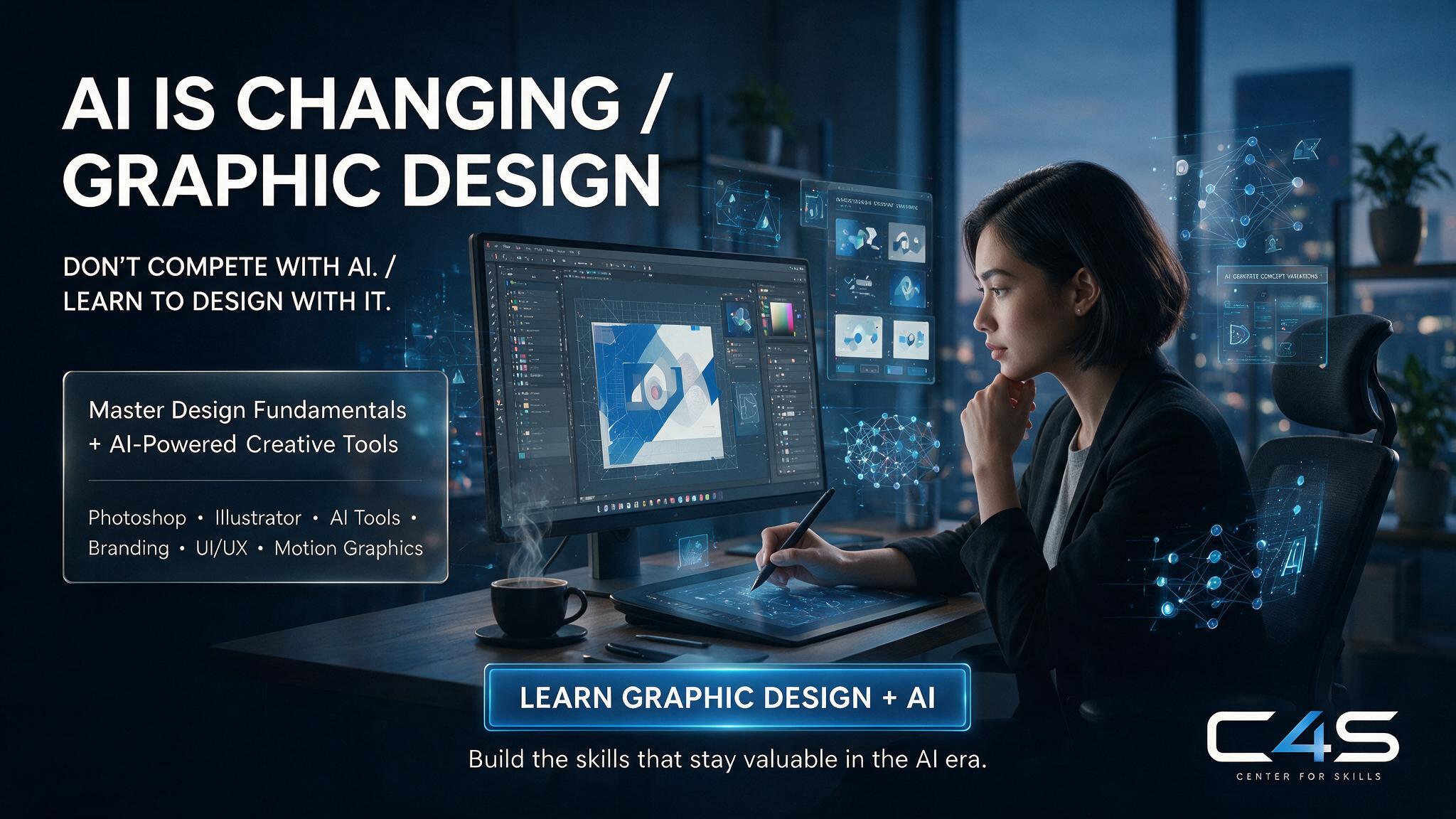
Pakistan’s digital economy keeps growing steadily, and the Ministry of Information Technology and Telecommunication has been actively supporting that shift for years now, which means local demand for designers who can work this way keeps rising too. C4S’s graphic design and video editing course is built around exactly this combination: real design fundamentals alongside practical, modern workflows. You can check the class schedule to plan your start date, or reach out directly if you have questions before enrolling.
Frequently Asked Questions
Will AI replace graphic designers completely?
No, current data shows AI is shifting demand within the field rather than eliminating it, automating repetitive production tasks while strategic, brand-focused creative work remains valuable and human-led.
Which graphic design tasks are safest from AI automation?
Work requiring cultural understanding, brand strategy, client communication, and original creative direction remains the safest, since these tasks depend on judgment AI genuinely can’t replicate.
Do I need to learn AI tools alongside Photoshop and Illustrator?
Yes, learning AI-assisted tools like Adobe Firefly or Canva AI alongside core software reflects how modern design workflows actually operate, and skipping this leaves a real skill gap.
Is UI/UX design a safer career path than traditional graphic design?
UI/UX and motion graphics roles are currently growing faster than purely traditional production design roles, making them a genuinely strong direction to specialize in alongside core design skills.
Can beginners still start a graphic design career with AI changing the field?
Yes, beginners starting now can build AI fluency into their skill set from day one, which is actually an advantage over designers who need to unlearn older, execution-only habits.
What should a graphic design course in Faisalabad teach in 2026?
A strong course should teach core design fundamentals, AI-assisted tools, and strategic thinking together, preparing students for how design work actually happens now, not how it worked years ago.
Final Thoughts
AI is reshaping graphic design work in Pakistan, not eliminating it, and designers who combine genuine creative judgment with AI fluency are the ones staying competitive through this shift. The tasks most at risk are the repetitive, execution-only ones, while strategic, brand-focused, and specialized work like UI/UX and motion graphics keeps growing in demand. Neither ignoring AI nor panicking about it serves you well here; learning to work with it deliberately does. If you’re ready to build both core design skills and modern AI fluency together, reach out to Center 4 Skills (C4S) and take the next step.