The best laptop for graphic design in Pakistan and the best laptop for video editing in Pakistan aren’t always the same machine, since these two workloads put genuinely different pressure on your hardware. A lot of buying guides lump both together under one generic recommendation, which leaves you either overspending on power you don’t need for design work, or underspending on a machine that struggles the moment real video editing starts. This guide breaks down exactly what specs matter for graphic design and video editing separately, covers general budget tiers honestly, and helps you match a laptop to your specific course, including AI coursework.
Quick Answer, What’s the Best Laptop for Graphic Design and Video Editing?
For graphic design, a solid baseline is 16GB RAM, an entry-level dedicated GPU, a 512GB SSD, and a color-accurate display. For video editing, that baseline rises to 32GB RAM, a dedicated GPU with 8GB or more VRAM, and at least 1TB of storage.
This difference matters more than most buying guides admit. Graphic design software mostly works with individual image files and layers, which is genuinely lighter on hardware than video editing software juggling multiple 4K video tracks, effects, and real-time playback at once. The rest of this guide breaks each spec down individually for both workloads, plus how requirements shift again for AI coursework specifically.
The Best Laptop for Graphic Design, What Specs Actually Matter
The best laptop for graphic design needs a solid multi-core processor, 16GB RAM as a comfortable minimum, an entry-level dedicated GPU, and a genuinely color-accurate display.
Graphic design work in Photoshop, Illustrator, or Canva-style tools is lighter on raw processing power than video editing, but color accuracy matters just as much here, if not more. A display covering 100% sRGB or DCI-P3 color space ensures the colors you’re designing with actually match what a client or viewer sees later. RAM-wise, 16GB comfortably handles most design work with several layers and files open at once, though moving into more complex, layer-heavy projects benefits from 32GB if your budget allows it.
The Best Laptop for Video Editing, Why the Requirements Are Higher
The best laptop for video editing needs significantly more RAM, a stronger dedicated GPU, and more storage than graphic design work requires, since video editing software processes far more data simultaneously.
32GB RAM has become the genuinely recommended standard for 2026 video editing, since working with 4K footage, multiple timeline tracks, and effects applied in real time consumes memory far faster than static image editing does. A dedicated GPU with 8GB or more VRAM matters here too, and NVIDIA’s NVENC encoder specifically accelerates software like Premiere Pro and DaVinci Resolve, cutting export times down noticeably compared to relying on the CPU alone. Storage needs grow quickly as well, since raw 4K footage eats through space fast, making 1TB a much more realistic minimum than the 512GB that works fine for design work.
RAM, How Much Do You Really Need for Each Workload?
16GB RAM is workable for graphic design and lighter AI tool use, but 32GB has become the genuinely recommended standard for video editing and heavier creative multitasking.
Think of RAM as your working desk space, the more you have, the more files and programs you can keep open smoothly without things slowing down. A graphic designer with a handful of Photoshop layers open fits comfortably on 16GB. A video editor working across multiple 4K tracks with effects layered on top genuinely needs the extra headroom 32GB provides, since running out of available memory mid-edit causes real, frustrating slowdowns.
CPU, What Processor Actually Matters
Multi-core processing power matters most for both graphic design and video editing, with Intel Core Ultra, AMD Ryzen AI series, and Apple Silicon (M-series) all currently recommended for creative workloads.
Creative software, especially video editing and rendering, benefits directly from having more processing cores working in parallel, rather than raw clock speed alone. A processor from one of these current lineups handles the kind of multi-threaded work that Photoshop, Premiere Pro, and DaVinci Resolve all rely on far better than an older or budget-tier processor built for basic browsing and office work.
GPU, Do You Need a Dedicated Graphics Card?
An entry-level dedicated GPU handles graphic design comfortably, but video editing and heavier AI or 3D work genuinely benefits from a GPU with 8GB or more VRAM.
This is one of the clearest differences between the two workloads. For straightforward 2D design work, an entry-level dedicated GPU is generally sufficient. Video editing is a different story entirely, since rendering and playback of high-resolution footage genuinely benefits from more GPU power and VRAM, and skipping this to save money on a video-focused machine usually backfires, turning quick edits into a slow, frustrating process.
Storage, SSD Size and Speed
A 512GB SSD is a reasonable minimum for graphic design, while video editing genuinely calls for 1TB or more given how quickly footage files accumulate.
Video project files in particular grow large fast, raw 4K footage alone can eat through storage quickly, especially once you’re working on multiple projects at once. An SSD specifically, rather than an older mechanical hard drive, matters for speed regardless of which workload you’re doing, since faster storage means faster load times, exports, and overall responsiveness.
Display, Why Color Accuracy Matters for Both Design and Video
A color-accurate display, ideally covering 100% sRGB or DCI-P3, matters genuinely for both graphic design and video editing, since inaccurate colors on your screen lead to inaccurate final output.
If your laptop screen shows colors slightly off from reality, everything you design or edit gets built around that inaccurate reference point, which becomes a real problem the moment your work gets viewed on a different, more accurate screen. OLED panels are increasingly preferred for creative work specifically because they tend to offer stronger color accuracy and contrast compared to standard laptop displays.
NPU and Local AI Features, What This Means for AI Coursework
NPU performance matters more for locally-run AI features inside creative software than for beginner AI coursework using cloud-based tools like ChatGPT, which don’t require special hardware at all.
This is worth being honest about, since NPU specs get marketed heavily right now. If your coursework primarily involves using cloud-based tools through a browser, ChatGPT, Google Gemini, Claude, your laptop’s NPU barely matters, since the actual processing happens on remote servers, not your own machine. NPU performance becomes more relevant specifically when running AI features built directly into creative software locally.
Windows vs Mac, Which Platform Fits Creative Work Better?
MacBook Pro’s Apple Silicon chips remain strong, well-regarded choices for both graphic design and video editing, while Windows laptops offer a much broader range of price points and hardware configurations to choose from.
Neither platform is objectively correct for everyone here. Apple Silicon chips deliver genuinely strong performance for creative software, and macOS remains a common choice among professional designers and editors. Windows laptops, meanwhile, offer far more flexibility in price and configuration, letting you specifically choose the RAM, GPU, and storage combination that fits your budget and workload.
Budget Tiers, Entry-Level, Mid-Range, and High-End
Laptops for this kind of work generally fall into entry-level (handles graphic design and light editing), mid-range (comfortable video editing and AI work), and high-end (heavy 4K-plus video and 3D work) tiers, defined by their specs rather than a specific price point.
An entry-level machine, typically 16GB RAM and an entry-level dedicated GPU, comfortably handles graphic design and basic video editing. A mid-range machine, generally 32GB RAM with a stronger dedicated GPU, handles genuine video editing work and AI-assisted creative tools comfortably. A high-end machine, with even more RAM, VRAM, and storage, is built for heavy 4K or 8K video work. Rather than quoting specific PKR prices here, which shift constantly with currency exchange rates and import costs, the honest approach is checking current pricing directly with local Pakistani retailers once you know which spec tier actually fits your needs. Comparing the same spec tier across a few different local retailers before buying tends to reveal genuine price differences worth knowing about.
Matching Your Laptop to Your Specific Course
AI coursework using cloud-based tools needs the lightest hardware, graphic design needs a moderate, color-accurate setup, and video editing needs the most demanding specs overall.
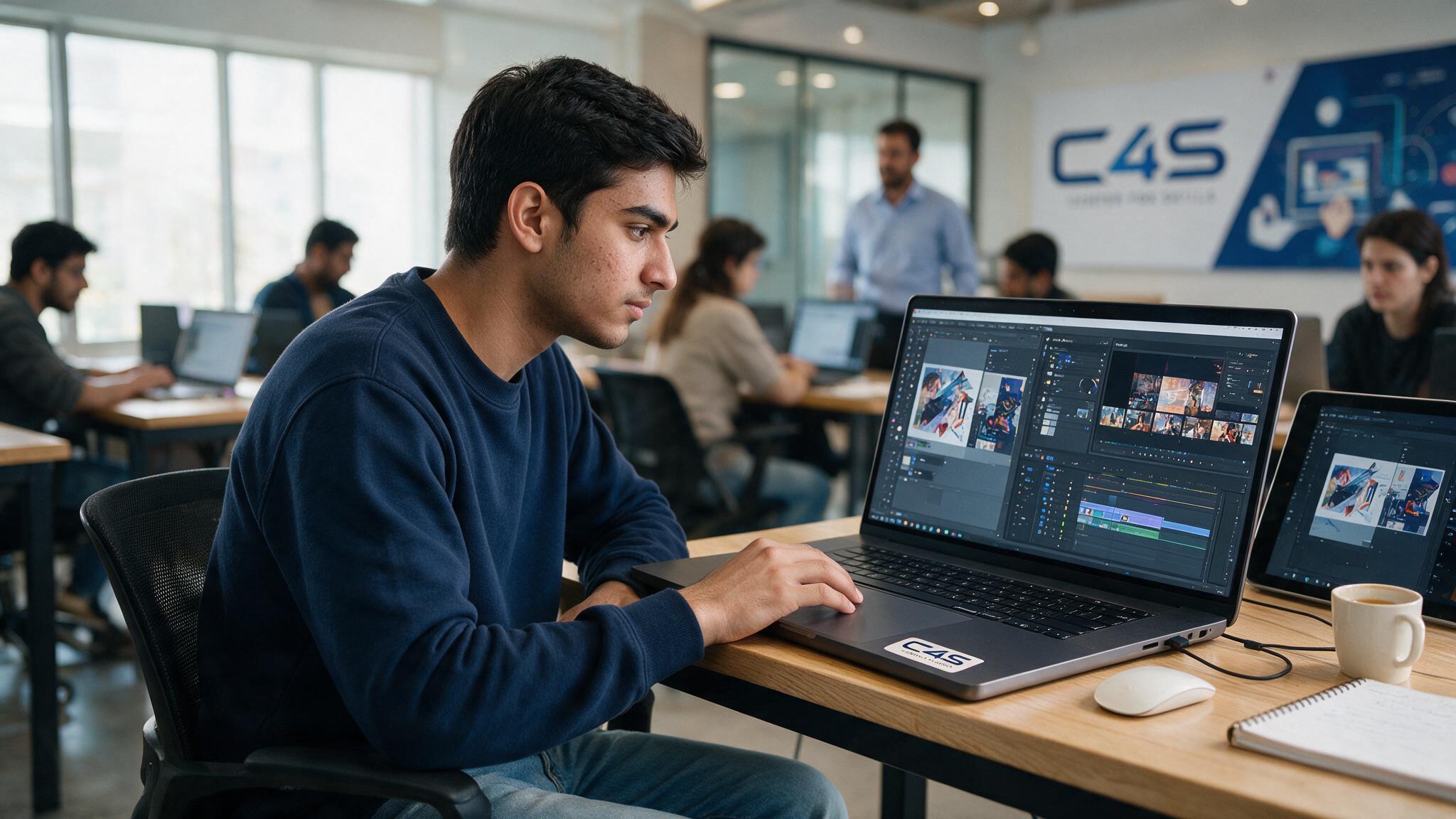
If you’re starting C4S’s AI course, a relatively modest, entry-level laptop handles most of the coursework fine, since much of the work happens through cloud-based tools. If you’re starting the graphic design and video editing course, aim for at least a mid-range setup with a color-accurate display and enough RAM and GPU power to handle both design software and video editing comfortably, since the course covers both.
Common Mistakes When Buying a Laptop for Creative Work
The most common mistakes are choosing a laptop based on brand reputation alone, assuming a graphic design laptop automatically handles video editing well, and skipping a dedicated GPU to save money.
A well-known brand name doesn’t guarantee the specific specs you actually need. Assuming a machine bought purely for design work will handle video editing equally well often leads to disappointment, given how different the two workloads actually are in practice. Skipping a dedicated GPU to save money seems reasonable for design work, but genuinely backfires for video editing.
How to Choose the Right Laptop Before Starting at C4S in Faisalabad
Confirming the specific software and workload requirements directly with your course before buying avoids under-buying or overspending on hardware you don’t actually need.
You can browse the full training list to see current course offerings, check the class schedule to plan your start date, and reach out directly to ask specifically about the recommended specs for your chosen course before making a purchase. For official, current software requirements directly from Adobe, Adobe’s system requirements page is worth checking too.
Frequently Asked Questions
What is the best laptop for graphic design on a limited budget?
An entry-level laptop with 16GB RAM, an entry-level dedicated GPU, and a color-accurate display comfortably handles graphic design work without needing the higher-end specs video editing requires.
What is the best laptop for video editing specifically?
A machine with at least 32GB RAM, a dedicated GPU with 8GB or more VRAM, and 1TB of storage handles video editing far more comfortably than the lighter specs sufficient for graphic design alone.
Is 16GB RAM enough for video editing?
16GB can handle basic, lighter video editing, but 32GB has become the genuinely recommended standard for 2026 to avoid slowdowns while working with 4K footage and multiple effects.
Is a MacBook better than a Windows laptop for graphic design?
Neither is objectively better, MacBook Pro offers strong, well-regarded performance for creative work, while Windows laptops offer more flexibility in price and hardware configuration.
Do I need a powerful laptop just to learn AI tools like ChatGPT?
No, cloud-based AI tools like ChatGPT run on remote servers, not your own laptop, so a relatively modest, entry-level machine is genuinely sufficient for this kind of coursework.
What laptop should I buy before starting a course at C4S in Faisalabad?
The right spec level depends on your specific course, AI coursework needs lighter hardware, while graphic design and video editing need a stronger setup, so it’s worth confirming directly with C4S before buying.
Final Thoughts
The best laptop for graphic design and the best laptop for video editing genuinely aren’t the same machine, and understanding that difference before you buy saves both money and frustration. Matching real specs, RAM, GPU, storage, and display, to your specific workload matters far more than chasing a brand name or a random price point. If you’re ready to start learning and want guidance on what laptop actually fits your course, reach out to Center 4 Skills (C4S) and ask directly.