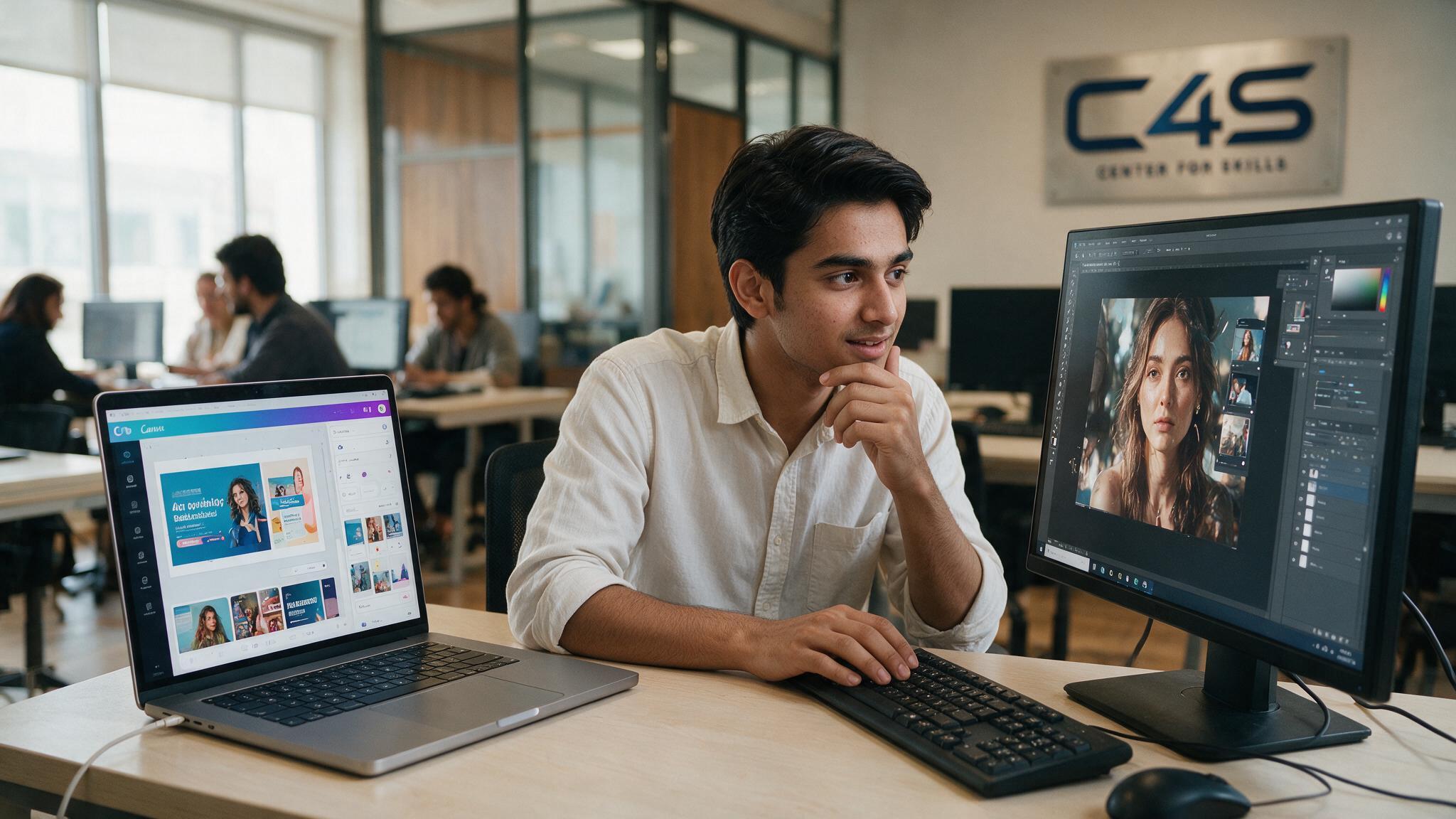
Canva vs Photoshop isn’t really a fair, one-size-fits-all comparison, since the two tools are built for genuinely different kinds of design work, and which one a beginner should learn first depends entirely on what they’re actually trying to create. A lot of beginners pick one based on which name they’ve heard more, then feel stuck when the tool doesn’t fit what they actually need to do. That mismatch wastes real time, especially for someone eager to start producing work quickly. This guide explains what each tool is actually built for, where Canva’s real limits are, and how to decide which to start with based on your specific goal.
Quick Answer, Should Beginners Learn Canva or Photoshop First?
Beginners aiming for quick social media graphics or small business marketing content should start with Canva, while beginners aiming for a serious graphic design career, photo editing, or professional client work should start with Photoshop.
This isn’t about one tool being objectively better, it’s about matching the tool to the actual outcome you want. Someone wanting to design Instagram posts for a local bakery has a genuinely different need than someone wanting to retouch product photography or build a genuinely professional design portfolio. The rest of this guide explains exactly what each tool does well and where the real differences sit.
Getting this decision right early matters more than people expect. Starting with the wrong tool for your actual goal, whether that’s Canva for someone chasing a professional design career or Photoshop for someone who just needs quick social posts, tends to slow progress and create frustration that has nothing to do with your actual ability to learn design.
What Canva Is Actually Built For
Canva is built for fast, template-based design, letting someone assemble a polished graphic quickly using pre-made layouts and elements.
This is a genuine strength, not a shortcut to be embarrassed about. Canva removes a huge amount of the technical friction that normally slows down design work, letting someone with zero design background produce something clean and presentable in minutes. For social media content, quick marketing graphics, presentations, and similar fast-turnaround work, this speed is exactly what matters most, and Canva delivers it genuinely well.
Canva also lowers the barrier to entry in a way that genuinely helps small business owners and beginners who need results now, not in a few months. Someone running a small shop who needs a promotional graphic for tomorrow’s sale doesn’t need Photoshop’s full depth, they need something clean and finished quickly, and that’s exactly the gap Canva fills.
The huge library of templates, stock images, and pre-designed elements means someone with no formal design training can still produce something that looks professionally arranged, simply by making good choices among options already built by someone else. That’s a genuinely valuable capability, not a lesser one, just a different kind of skill than what Photoshop teaches.
What Photoshop Is Actually Built For
Adobe Photoshop is built for detailed, professional-grade photo editing and pixel-level image manipulation, the industry standard for retouching, compositing, and print-ready design work.
Adobe Photoshop works at a fundamentally different level than Canva, giving you direct control over individual pixels, layers, masks, and complex editing operations. This depth is exactly what professional photo retouching, detailed compositing work, and print-ready design output require, work that genuinely can’t be done properly through a template-based tool, regardless of how good that tool’s templates are.
This level of control is exactly why Photoshop has remained the industry standard for decades. When a client needs a product photo cleaned up perfectly, an image composited seamlessly, or artwork prepared precisely for print, there’s no shortcut that replaces genuine, granular control over the image itself, no matter how advanced a template-based tool becomes.
Canva vs Photoshop, The Real Skill Difference
Canva is fundamentally about assembling pre-made elements well, while Photoshop is about creating and manipulating imagery from scratch, a genuinely deeper technical skill.
This isn’t a value judgment on anyone choosing Canva, it’s a real, honest difference in what each tool actually teaches you to do. Canva skill is about layout, composition, and knowing which elements work well together. Photoshop skill goes further, understanding how to manipulate an image at a technical level that Canva simply doesn’t expose you to. Both are legitimate skills, they just sit at different depths.
Think of it like the difference between arranging furniture well in a room someone else built, versus actually knowing how to build the room yourself. Both take genuine skill and good judgment, but they’re clearly not the same level of technical capability, and being honest about that distinction helps you set the right expectations for yourself.
Which Tool Fits Your Specific Goal
The right starting tool depends on your specific goal, fast marketing content favors Canva, while photo editing, professional design work, or print favors Photoshop.
If you’re running a small business’s social media and just need clean, consistent graphics quickly, Canva genuinely fits that need well. If you’re aiming toward professional design work, photography retouching, or serious client projects, Photoshop is where that real capability lives. It’s also worth mentioning Adobe Illustrator here honestly, since brand identity and logo work specifically calls for vector-based tools, a distinct category from both Canva and Photoshop.
Being clear about your actual goal before choosing saves real, meaningful time later. Someone who starts with Canva purely because it’s faster, while secretly hoping to build a professional design career eventually, often ends up having to backtrack and relearn fundamentals in Photoshop anyway, which could have been avoided entirely by starting with the right tool from day one.
Can Canva Replace Photoshop for a Beginner?
No, Canva cannot fully replace Photoshop for serious design work, since it lacks true layer-based pixel editing and deep photo manipulation tools.
This is worth being honest about, since some beginners hope Canva will eventually cover everything Photoshop does if they just learn it well enough. It won’t, and that’s not a flaw in Canva, it’s simply outside what the tool was ever designed to do. Canva’s strength is speed and accessibility for template-based work, not the deep, granular control that professional photo editing genuinely requires.
Even Canva Pro, with its expanded feature set, doesn’t close this gap in any meaningful way at all. The added features speed up template-based work further, they don’t introduce the pixel-level, layer-based editing capability that fundamentally defines what Photoshop actually does.
Should You Learn Both Eventually?
Yes, most working designers use both tools for different tasks, Canva for fast turnaround work and Photoshop for detailed, professional projects.
This isn’t really an either-or decision that lasts forever, it’s more of a sequence most designers naturally settle into. A quick social media graphic doesn’t need Photoshop’s full depth, Canva handles it faster. A detailed product photo retouch or a complex composite genuinely needs Photoshop’s capabilities. Learning both, over time, gives you the flexibility to pick the right tool for each specific task rather than forcing every job through one tool.
Many working designers describe their workflow exactly this way, reaching for Canva when speed matters most and switching to Photoshop when a project genuinely demands deeper technical control. Neither tool replaces the other in this kind of workflow, they simply cover different parts of the same overall job.
Learning Curve and Time Investment
Canva has a genuinely short learning curve, often productive within days, while Photoshop typically takes weeks or months of consistent practice to build real comfort.
This matters practically when deciding where to start, especially if you have limited time right now. Canva’s drag-and-drop interface and pre-built templates mean you can start producing usable work almost immediately. Photoshop’s depth is exactly what makes it more capable long-term, but that same depth means genuine comfort takes real, sustained practice, not a weekend of exploring the interface.
This tradeoff is worth weighing honestly against your own timeline and specific goals before committing. If you need results this week, Canva delivers that realistically and reliably. If you’re building toward a genuine, long-term design career, investing the extra months into Photoshop pays off in ways a faster but genuinely shallower tool simply cannot match, no matter how much time you spend inside it.
Building a Graphic Design Career, What Employers and Clients Expect
Professional design roles and serious freelance clients generally expect real Photoshop, and often Illustrator, proficiency, Canva skill alone usually isn’t seen as sufficient for a professional design career.
This is worth stating clearly rather than softening it, since overselling Canva as career-sufficient would genuinely mislead someone with real design career ambitions. A portfolio built purely on Canva templates, however well-arranged, doesn’t demonstrate the deeper technical skill that professional design work requires, and experienced clients and hiring managers can usually tell the difference. If your goal is a genuine design career, Photoshop and Illustrator proficiency isn’t optional, it’s expected.
This doesn’t mean Canva skill is worthless on a resume, it’s just not sufficient by itself. Listing Canva alongside genuine Photoshop and Illustrator competence rounds out a well-balanced skill set, showing both fast, practical versatility and the deeper technical ability serious client work actually demands.
How to Start Learning Graphic Design the Right Way in Faisalabad
Structured training that covers real, professional tools builds a stronger, more durable foundation than self-teaching with Canva alone, especially for anyone with real career ambitions beyond quick social media graphics.
If you’re serious about building genuine design skills, C4S’s graphic design and video editing course covers the professional tools that actually matter for a real design career, not just quick template assembly. You can check the class schedule to plan your start date, or reach out directly with any questions before enrolling.
Learning these tools properly, with guided feedback and real project work, tends to build stronger habits than piecing skills together alone through scattered online tutorials, especially for a technically deep tool like Photoshop where bad habits picked up early can be hard to unlearn later.
Frequently Asked Questions
Is Canva good enough for freelance graphic design work?
Canva works well for smaller, fast-turnaround freelance tasks like social media graphics, but serious freelance design clients generally expect Photoshop and Illustrator skills for more advanced, detailed project work.
How long does it take to learn Photoshop as a beginner?
Basic comfort can come within a few weeks of consistent practice, though genuinely strong Photoshop skill typically develops over several months of real, hands-on project work.
Do professional graphic designers still use Canva?
Yes, many professional designers use Canva for quick, low-stakes tasks alongside Photoshop and Illustrator for detailed, client-facing work, using each tool where it genuinely fits best.
Is Photoshop harder to learn than Canva?
Yes, Photoshop has a steeper learning curve due to its depth and technical complexity, while Canva’s simpler, template-based design makes it far easier to pick up quickly.
Can I get a graphic design job knowing only Canva?
It’s genuinely difficult, since most professional design roles expect Photoshop and often Illustrator proficiency, and a portfolio built purely on Canva usually isn’t seen as sufficient on its own.
Should I learn Canva before Photoshop or start with Photoshop directly?
This depends on your goal, starting with Canva works well if you need quick results now, while starting directly with Photoshop makes sense if you’re committed to a serious design career from the start.
Final Thoughts
Canva and Photoshop serve different purposes, and the right starting point depends on your specific goal, not which tool sounds more impressive. Canva gets you producing clean, usable graphics fast, while Photoshop builds the greater technical skill a genuine design career actually requires. Most serious designers end up learning both, using each where it genuinely fits best, rather than treating this as a permanent choice between the two. If you’re ready to build real, professional design skills, reach out to Center 4 Skills (C4S) and take the next step.