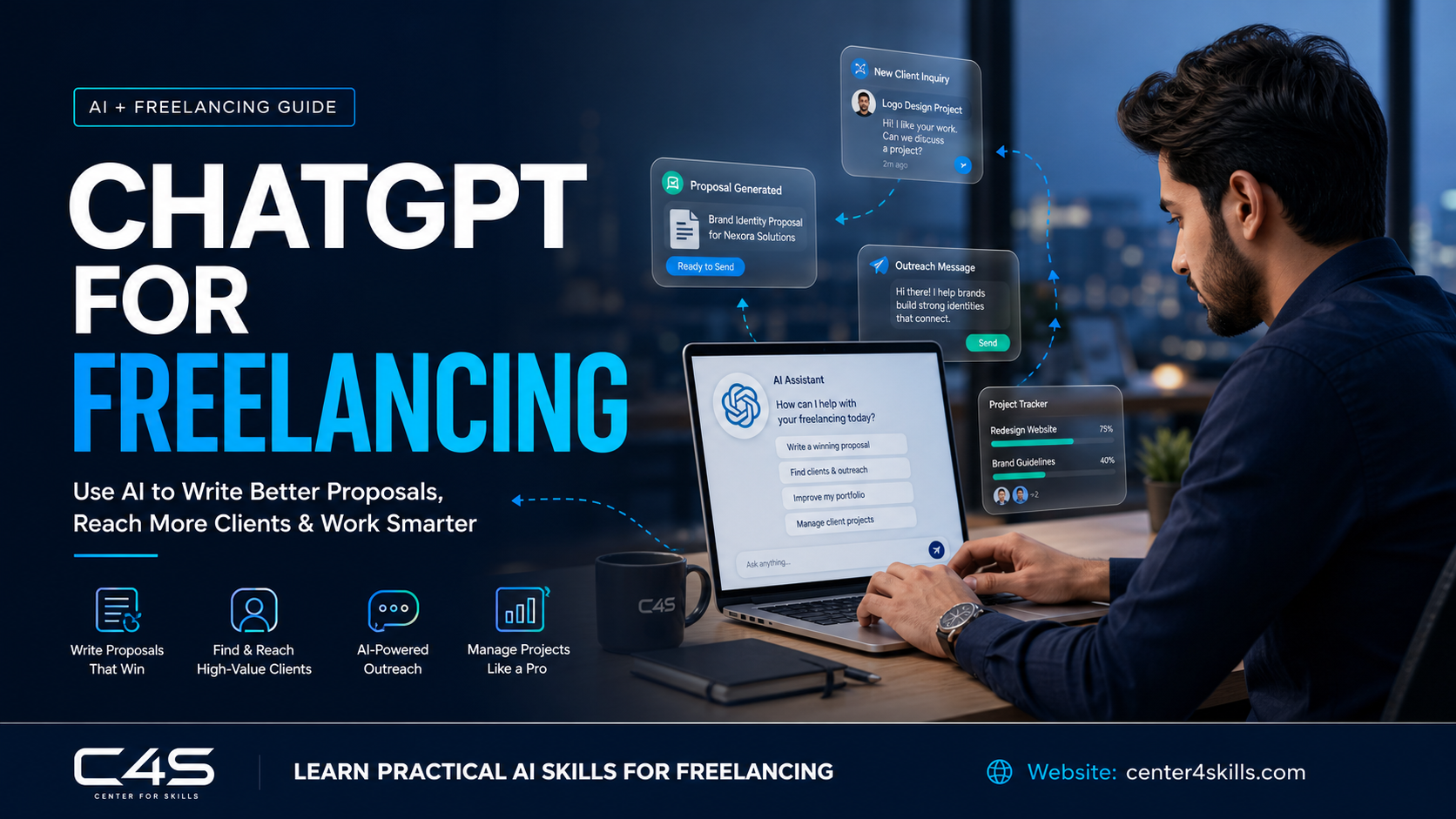
ChatGPT for freelancing has become one of the fastest ways to write better proposals, speed up client outreach, and look more professional without spending hours on every single message. This isn’t about letting AI replace your actual skills, it’s about cutting the time you spend on the busywork around your skills. A lot of freelancers hear “use AI” and picture something vague and hyped up, but the actual, practical uses are a lot more specific than that. This guide covers practical ways to use ChatGPT and other AI tools across the real freelancing workflow, from finding clients to keeping them, not just generic “AI is useful” advice.
Why AI Tools Are Changing How Freelancers Find Clients
AI tools have lowered the time cost of the parts of freelancing that used to eat up hours, proposal writing, research, and follow-ups, freeing up more time for actual client work.
A few years ago, writing five solid proposals in a day was genuinely exhausting. Now, a freelancer with a decent workflow can draft that many in a fraction of the time, then spend the saved hours actually doing paid work instead of typing pitches. It’s worth being clear though, this doesn’t change the fundamentals. Freelancing still comes down to skill and reliability. AI just removes friction around the parts that used to slow good freelancers down.
The freelancers seeing the biggest gains from this aren’t the ones treating AI as a shortcut around actual work. They’re the ones who were already good at what they do, and are now just faster and more consistent at the surrounding admin, the proposals, the follow-ups, the research, that used to eat into billable time.
Using ChatGPT to Write Winning Freelance Proposals
ChatGPT works best for proposals when you feed it the actual client brief and your own past work details, not when you ask it to write a generic pitch from scratch.
The mistake most people make is typing something like “write me a freelance proposal” and expecting magic. That gets you a generic, forgettable response. Instead, paste in the actual job post, tell ChatGPT specifically what you’ve done that’s relevant, and ask it to draft something that connects those two things directly. Use that draft as a starting point, then edit it heavily so it sounds like you wrote it, not like a bot did. Clients can usually tell the difference, and the ones who can are exactly the ones worth working with. You can try this directly through ChatGPT, which OpenAI built specifically for this kind of conversational, iterative writing work.
One trick that actually helps is asking ChatGPT to give you two or three different opening lines instead of one full proposal. Openings are where most proposals win or lose attention, and comparing a few options side by side usually leads to a stronger first sentence than whatever the AI produces on the first try.
Using ChatGPT for Cold Outreach and Client Messages
ChatGPT can speed up cold outreach by drafting personalized opening messages once you give it real details about the client’s business, not generic templates blasted to everyone.
The trick here is specificity. Tell ChatGPT what the business does, something you noticed about their current website or social presence, and what you’re offering, then let it draft an opening message around that. What you should never do is copy-paste the exact same AI-generated message to fifty different clients. People notice generic outreach faster than ever now, since so much of it is obviously AI-written and completely untailored. A slightly rougher, clearly personal message almost always beats a polished, generic one.
Prompt Engineering Basics Every Freelancer Should Know
The difference between a useless ChatGPT response and a genuinely useful one usually comes down to how specific your prompt is, not which AI tool you’re using.
A simple, practical framework works well here. Include your goal, who the message or content is for, the tone you want, and any real, specific details about the situation. “Write a cold email” gets you nothing useful. “Write a short, casual cold email to a small bakery owner about building them an online ordering page, mention their current site loads slowly on mobile” gets you something you can actually use in five minutes. This one skill, learning to be specific, probably matters more than any other AI trick freelancers pick up.
Other AI Tools Worth Using Alongside ChatGPT
ChatGPT isn’t the only useful tool here, a few others fill in gaps depending on what kind of freelance work you actually do.
Google Gemini and Claude work well as alternatives or backups for writing and research, sometimes producing a noticeably different style worth comparing against ChatGPT’s output. Microsoft Copilot is useful specifically if your work already lives inside Word, Excel, or Outlook. Perplexity AI is built around fast, sourced research answers, which comes in handy before pitching a client you don’t know much about yet. For visual freelancers, Canva’s AI features, along with Midjourney and DALL·E, speed up mockups and creative drafts. Notion AI is worth mentioning too, mainly for organizing client notes, deadlines, and project details in one place instead of scattered across chats and notebooks.
You don’t need all of these at once, and trying to learn every tool simultaneously usually backfires. Pick one or two that clearly fit the kind of freelance work you do, get genuinely comfortable with them, then add more only if a real gap shows up in your workflow.
Using AI to Build Your Personal Brand and Portfolio
AI tools can speed up content creation for your portfolio and social presence, but the ideas and personality still need to come from you.
This matters more on LinkedIn than almost anywhere else, since it’s where a lot of freelancers get discovered by potential clients scrolling through their feed. Using AI to draft a post about a recent project, then editing it to sound like you actually wrote it, is a reasonable, efficient workflow. Posting something obviously AI-generated, with no personal voice or real detail, tends to blend into the noise and get ignored. The goal isn’t AI-written content, it’s AI-assisted content that’s still recognizably you.
Using AI for Client Research Before You Pitch
A quick AI-assisted research step before pitching a client makes your proposal noticeably more specific and convincing.
Before sending a proposal, spend two or three minutes using a tool like Perplexity AI to pull together quick background on the client’s business, their industry, and anything recent worth mentioning. That small bit of research is exactly what separates a proposal that says “I can help grow your business” from one that says “I noticed your product page doesn’t mention your return policy, which is probably costing you conversions, here’s how I’d fix that.” The second one wins almost every time.
This step takes maybe five minutes total, but it’s the single highest-return habit on this entire list. Most freelancers skip it because it feels optional, and that’s exactly why the ones who do it consistently stand out so clearly from everyone else sending generic pitches.
AI Automation for Managing Freelance Clients
AI automation tools can help freelancers stay on top of follow-ups and client communication without needing a full-time assistant to manage it all.
Once you’re juggling more than a couple of active clients, a simple CRM paired with basic AI automation for reminders and follow-up message drafts becomes genuinely useful. It’s not about replacing personal communication, it’s about not forgetting to follow up with a client three days after sending a proposal, which is exactly the kind of small thing that quietly costs freelancers work.
Where to Find Freelance Clients, Upwork, Fiverr, Freelancer, and LinkedIn
Each platform works a bit differently, and AI helps most with the writing and speed side, not the platform strategy itself.
Upwork and Fiverr remain two of the most common starting points for freelance work, especially for beginners still building reviews and a track record. Freelancer is another option worth trying, similar in structure to Upwork. LinkedIn works differently; it’s less about applying to posted jobs and more about direct outreach and slowly building a professional presence that clients come to on their own. AI speeds up your writing and research across all of these, but the platform-specific strategy- how you position yourself, what rates you set- still takes real thought.
Common Mistakes When Using AI for Freelancing
The biggest mistake is letting AI-written messages go out completely unedited, since clients can often tell, and it undercuts trust fast.
A message that reads like it came straight out of ChatGPT, with no personal detail or voice, signals to a client that you didn’t put real effort into reaching out to them specifically. The second common mistake is relying on AI for actual deliverable work in skill areas you haven’t genuinely developed yourself. AI can help you write better and faster, but it can’t substitute for skill you don’t actually have, and that gap catches up eventually once a client asks a follow-up question you can’t answer.
There’s a third, quieter mistake too, treating every AI output as final instead of a draft. The freelancers getting the most value out of these tools tend to be the ones who edit heavily and often, not the ones who paste the first response straight into an email and hit send.
How to Build These AI Skills for Freelancing in Pakistan
Structured training helps freelancers use AI tools more effectively and consistently than trial and error alone, especially early on when it’s easy to develop bad habits.
If you want to build real, practical AI skills instead of just picking things up randomly, C4S offers a hands-on AI course built around exactly this kind of applied use. You can browse the full training list for other relevant skills too, and reach out directly if you have questions before enrolling.
Frequently Asked Questions
Can ChatGPT actually help me get freelance clients?
Yes, ChatGPT can genuinely help by speeding up proposal writing, cold outreach, and client research, but it works best combined with real skill and personal editing, not used as a full replacement for effort.
Do clients notice if my proposal was written by ChatGPT?
Often, yes, especially if it’s generic or unedited. Clients tend to respond better to AI-assisted proposals that have been personalized and edited to sound like a real person wrote them.
Which AI tool is best for freelance proposal writing?
ChatGPT is a strong starting point for most freelancers, though Claude and Google Gemini are worth trying too, since different tools sometimes produce noticeably different writing styles worth comparing.
Is it okay to use AI for client outreach messages?
Yes, as long as the message is personalized with real details about the client, not a generic template sent to everyone. Clients can usually tell the difference, and it affects response rates.
Can AI help me find freelance clients on Upwork or Fiverr?
AI mainly helps with the writing and research side, faster proposals and better-researched pitches, rather than the platform strategy itself, which still depends on positioning, pricing, and reviews.
Do I need to learn prompt engineering to use ChatGPT well for freelancing?
You don’t need to master it formally, but learning to write specific, detailed prompts instead of vague ones makes a noticeable difference in the quality of what ChatGPT gives you back.
How do I use ChatGPT for freelancing to actually get more clients?
Use ChatGPT for freelancing by feeding it real client details for proposals, drafting personalized outreach messages instead of generic templates, and researching clients quickly before you pitch, then editing everything to sound like you.
Final Thoughts
ChatGPT for freelancing works best as a speed and quality booster around your real skills, not a replacement for them. Used well, across proposals, outreach, research, and portfolio building, it can genuinely help you land clients faster and manage them better once you do. None of this replaces the actual work of getting good at your craft, it just clears away the friction that used to slow that process down. If you want to build these AI skills properly instead of picking them up piecemeal, reach out to Center 4 Skills (C4S) and start building a real, practical skill set.