A good UI UX design course in Pakistan should teach both the visual side of design and the research and problem-solving behind it, since real UI/UX work blends both together, not just one or the other. A lot of beginners assume this field is only about making things look pretty, and that misunderstanding shows up fast once they try to land an actual job. Employers ask why you made certain decisions, not just how you made something look nice, and beginners who only practiced visual skills often struggle to answer that. This guide covers the real difference between UI and UX, the core skills and tools to learn, a beginner roadmap, portfolio building, and honest salary expectations for 2026.
Why UI/UX Design Is a Growing Career in Pakistan
Demand for UI/UX designers in Pakistan has grown as more local businesses and startups build apps and websites that need to actually work well for users, not just look good on a slide during a pitch.
A few years ago, a lot of local businesses treated design as an afterthought, something you hired someone for once the actual product was already built. That’s shifted noticeably. This ties into Pakistan’s broader digital economy growth, which the Ministry of Information Technology and Telecommunication has been actively supporting for years now. More apps, more e-commerce platforms, more digital products in general mean more competition for user attention, and that competition is exactly what makes good UI/UX design matter so much more than it used to.
Startups especially have started treating design as a first-priority hire rather than an afterthought, since a confusing app or website costs them users almost immediately in a market where switching to a competitor takes seconds. That shift in priority is a big part of why UI/UX openings keep showing up more often on local job boards.
UI Design vs UX Design, What’s the Real Difference?
UI (User Interface) design focuses on how a product looks and feels, while UX (User Experience) design focuses on how well it actually works for the people using it, and in practice, most designers do both together.
Think of it this way. UI is the buttons, colors, fonts, and layout you actually see and tap on screen. UX is everything behind that, whether the checkout process makes sense, whether a user can find what they’re looking for without frustration, whether the whole experience feels smooth from start to finish. In big companies, these can be separate roles. In most Pakistani startups and small businesses, one designer usually handles both, which is exactly why job listings often say “UI/UX designer” as one combined role instead of splitting it into two.
This overlap is actually useful to understand early, since it changes how you should approach learning. Instead of picking “UI” or “UX” as a specialty right away, most beginners are better off building a working understanding of both together, then letting a natural preference emerge once they’ve actually practiced real projects.
Core Skills You Need for a UI/UX Design Career
A UI/UX designer needs a mix of visual design skill and structured problem-solving, covering wireframing, prototyping, user research, and usability testing, and this combination is exactly what most job listings are actually describing.
Wireframing is where you sketch out the basic structure of a screen before adding any real visual polish, it’s about layout and flow, not colors or fonts yet. Prototyping takes that further, building a clickable, testable version of the design so you can see how it actually feels to use. User research and usability testing round this out, since they’re what tell you whether your design decisions actually work for real people, not just whether they look good to you. Beyond these, Information Architecture matters too, organizing content and navigation logically, along with Interaction Design, which focuses specifically on how users move through and interact with a product step by step.
Tools Every UI/UX Designer Should Know
Figma has become the industry-standard tool for UI/UX design, though a few other tools still show up regularly depending on the team or project.
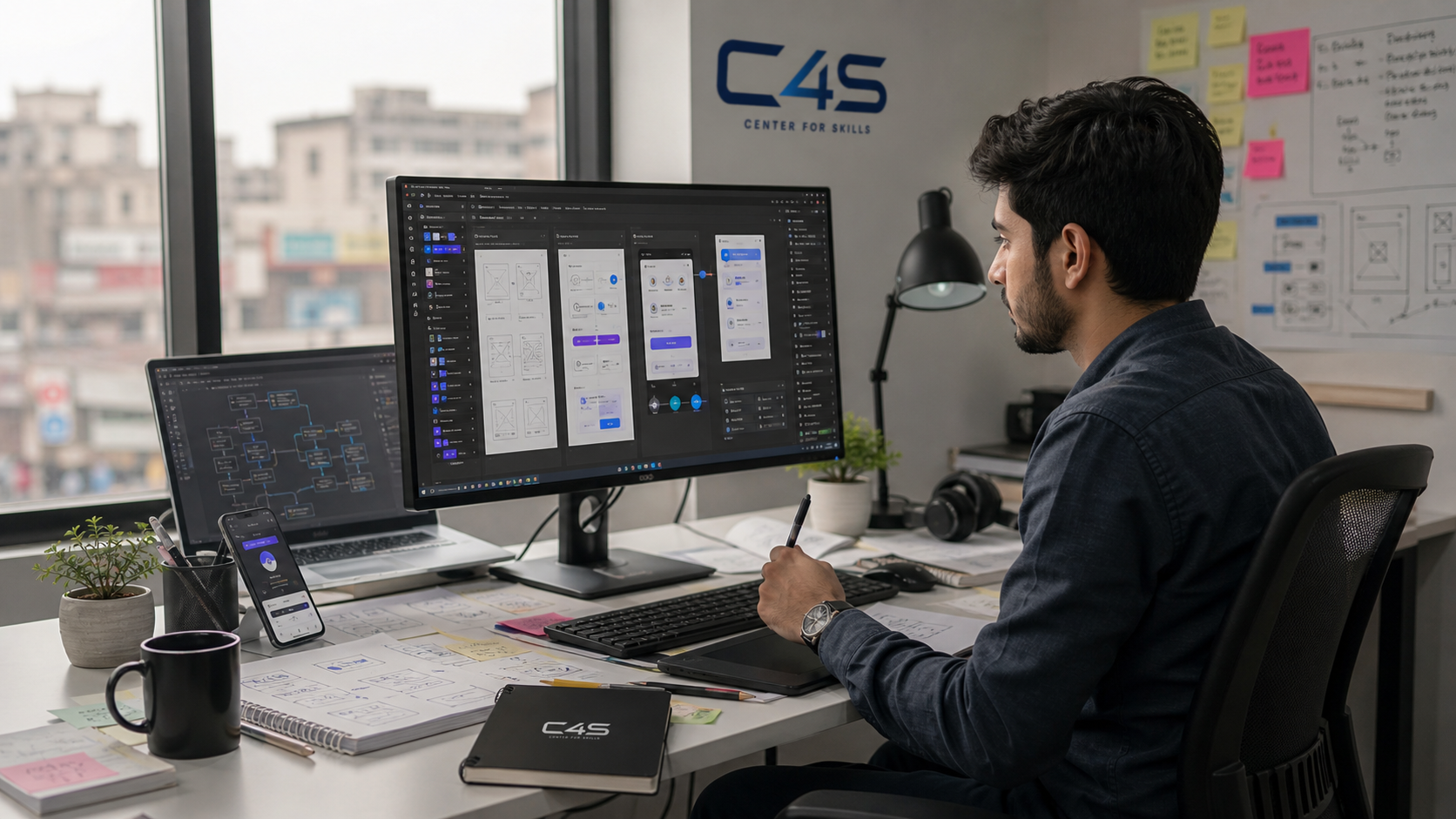
Figma is where most UI/UX work happens now, mainly because it’s cloud-based, works well for teams collaborating in real time, and has become the tool most job listings specifically mention. FigJam, Figma’s whiteboarding companion, is increasingly used for early brainstorming and user flow mapping before jumping into actual screen design. Adobe XD and Sketch are still used by some teams, particularly ones with an existing Adobe workflow, though their popularity has dropped compared to Figma in recent years. Adobe Photoshop and Illustrator still come in handy for supporting visual assets, icons, illustrations, or image editing that a pure UI tool doesn’t handle as well.
If you’re only going to master one tool early on, make it Figma. It covers the vast majority of real, day-to-day UI/UX work, and getting genuinely fast and comfortable in it matters more than dabbling across five different tools without real depth in any of them.
UI/UX Design Roadmap for Beginners
A realistic roadmap starts with design fundamentals, moves into learning Figma hands-on, then wireframing and prototyping, then basic user research, before finishing with real portfolio projects.
Start with the fundamentals, color theory, typography, layout, and spacing, since these underpin everything that follows. Once that feels comfortable, spend real time learning Figma hands-on, not just watching tutorials, actually building small design exercises. From there, practice wireframing and prototyping specifically, turning rough ideas into structured, testable designs. Basic user research comes next, learning how to ask good questions and observe how people actually use a design, not just guess based on your own preferences. The final stage, and the one beginners rush too often, is turning all of this into 2 or 3 complete, well-documented portfolio projects.
Skipping straight to Figma without the design fundamentals first is one of the most common mistakes beginners make. It’s tempting, since Figma is where the “real” design happens, but without understanding why certain layouts or color choices actually work, you end up copying patterns without knowing when or why to break them.
Understanding Design Systems and Human-Centered Design
Design systems keep a product’s UI consistent across every screen, and Human-Centered Design keeps the focus on real user needs instead of just personal taste.
A design system is essentially a shared library of components, buttons, colors, spacing rules, so a product looks and feels consistent no matter which designer or developer touches which screen. Google’s Material Design is a well-known, widely referenced example of a structured design system done at scale, and studying it is a genuinely useful exercise even outside Google’s own products. Human-Centered Design is more of a mindset than a tool, it means every design decision starts from an actual user need or problem, not just what looks visually interesting to the designer.
Building a UI/UX Portfolio That Gets You Hired
A strong UI/UX portfolio shows the thinking behind a design, not just polished final screens.
This is where a lot of beginners lose potential opportunities without realizing it. A portfolio full of pretty, finished screens with no explanation tells an employer almost nothing about how you actually think or solve problems. A case study approach works far better, laying out the problem you were solving, what research or thinking led to your decisions, and what the final outcome looked like and why it worked. Even two or three well-documented case studies like this beat a dozen polished screens with zero context behind them.
If you don’t have real client work yet, redesigning an existing app or website you use regularly makes a genuinely solid practice project. Pick something with an obvious flaw, a confusing checkout flow, a cluttered menu, and walk through how you’d fix it and why. It shows the same problem-solving thinking a real client project would, even without an actual client involved.
UI/UX Designer Salary Expectations in Pakistan
Salaries for UI/UX roles vary based on skill depth, portfolio quality, and whether the work is local or international and remote, so there’s no single figure worth quoting here as a target.
Entry-level designers typically earn less while they’re still building speed, confidence, and a genuine portfolio of real project work. As skill grows, particularly the research and problem-solving side that separates a strong UX designer from someone who just makes things look nice, pay tends to increase steadily. Remote and international freelance work often pays more than local-only roles too, since global demand for skilled UI/UX designers remains consistently strong. Rather than expecting a fixed number early on, it’s more useful to focus on building a genuinely strong portfolio, since that’s what actually drives better offers over time.
UI/UX Freelancing vs Full-Time Jobs
Both paths are realistic, freelancing offers flexibility and often higher per-project rates, while full-time roles offer stability and deeper, longer-term product work.
Fiverr and Upwork are common starting points for freelance UI/UX work, especially for beginners building their first few paid projects and reviews. Full-time roles, whether at a startup or an agency, tend to offer more structured mentorship early on, which can be genuinely valuable for someone still developing their research and process skills. Neither path is objectively better, some designers eventually move between both over the course of their career, depending on what stage they’re at and what kind of work-life balance they’re looking for.
How to Start Learning UI/UX Design in Faisalabad
Structured, hands-on training helps beginners build both the visual and research sides of UI/UX faster than piecing it together from scattered tutorials alone, which is exactly where most self-taught learners get stuck for months.
UI/UX overlaps closely with a couple of C4S’s existing courses. The graphic design and video editing course covers visual design fundamentals that carry directly into UI work. The web development course covers responsive design and front-end implementation, useful for understanding how a design actually gets built. You can browse the full training list to see what fits your goals, and reach out directly if you have specific questions about UI/UX-focused learning options.
Frequently Asked Questions
Is UI/UX design a good career in Pakistan?
Yes, UI/UX design is a strong, growing career option in Pakistan, since demand keeps rising as more local businesses and startups build digital products that need to work well for users.
What is the difference between UI and UX design?
UI design focuses on how a product looks and feels, while UX design focuses on how well it functions for the user, though in most real jobs, one designer often handles both together.
Do I need to know coding for UI/UX design?
No, coding is not required to start in UI/UX design, though a basic understanding of how designs get built in code can help you communicate better with developers later.
Which tool should a beginner learn first for UI/UX design?
Figma is the strongest starting point, since it’s the current industry standard and shows up most often in job listings and real team workflows across Pakistan and globally.
Can I freelance as a UI/UX designer without a design degree?
Yes, freelancing in UI/UX design depends much more on your portfolio and demonstrated problem-solving than on having a formal design degree.
How long does it take to build a hireable UI/UX portfolio?
Most beginners can build a solid, hireable starter portfolio within a few months of consistent practice, especially if they focus on 2 or 3 well-documented case studies instead of many shallow projects.
Where can I find a good UI UX design course in Pakistan?
A good UI UX design course in Pakistan should teach both visual design and user research together, using tools like Figma, so graduates can build a real, process-focused portfolio, not just polished screens.
Final Thoughts
A real UI/UX design career in Pakistan combines visual skill with research and problem-solving, backed by a strong, process-focused portfolio, not just pretty screens. Whether you want a full-time role or freelance flexibility, the fundamentals stay the same, and hands-on practice with real, documented projects is what actually makes them stick. If you’re ready to start building a UI UX design skill set in Pakistan, reach out to Center 4 Skills (C4S) and figure out where to begin.