A good WordPress course in Faisalabad should take you from zero to an actual, published website, not just theory about what WordPress is. Too many beginners watch hours of videos about WordPress without ever actually launching a real site, which is honestly the fastest way to forget everything you just learned. Knowing the theory behind hosting or plugins means very little if you’ve never actually clicked through the process yourself and hit a real, confusing error along the way. This guide covers what WordPress actually is, what you need before starting, a step-by-step walkthrough of building your first site, and where WordPress skills can take your career.
Why Learn WordPress in Faisalabad?
WordPress remains the most widely used way to build a website, which makes it one of the most practical, immediately useful skills for local business and freelance work in Faisalabad.
Almost every small business owner you meet – a shop owner, a clinic, a small exporter – eventually needs a website and has no idea where to start. That gap is exactly where WordPress skills become valuable, fast. This fits into a bigger picture too: Pakistan’s digital economy has been growing steadily, and the Ministry of Information Technology and Telecommunication has been actively supporting that shift for years now. More businesses going online means more demand for people who can actually build and manage a website for them.
WordPress specifically has stayed on top of this demand because it’s approachable enough for a beginner to genuinely finish learning it, unlike some more code-heavy website building paths that take much longer before you can build anything real.
What Is WordPress, and Why Do Most Websites Use It?
WordPress is a free, open-source content management system that lets people build and manage websites without needing to code everything from scratch.
Instead of writing raw HTML and CSS for every single page, WordPress gives you a dashboard where you add pages, posts, and content through a simple interface, while themes and plugins handle the design and extra features. One quick clarification that trips up a lot of beginners, this guide is about self-hosted WordPress, downloaded and installed through WordPress.org, not the separate, more limited WordPress.com hosting service. Self-hosted WordPress is what gives you full control, and it’s what most freelance and business website work actually uses.
The reason WordPress dominates the way it does isn’t complicated either. Thousands of free and paid plugins exist for almost anything a website might need, contact forms, galleries, booking systems, membership areas, which means most problems already have a ready-made solution instead of needing to be built from scratch every time.
What You Need Before Building Your First WordPress Site
Before touching WordPress itself, you need a domain name, web hosting, and basic comfort navigating cPanel.
A domain name is your website’s address, the part people type into their browser, like yourbusiness.com. Web hosting is the actual server space where your website’s files live and run, since WordPress needs somewhere to be installed. cPanel is the control panel most hosting providers give you to manage your hosting account, install WordPress, set up email, and handle basic server settings. None of this needs to be intimidating, but having all three sorted out first saves a lot of confusion once you actually start building.
Step by Step, Building Your First WordPress Website
Building your first WordPress site follows a fairly consistent sequence, from setup to launch, and skipping steps usually causes problems later that are harder to fix than if you’d just done them in order.
Setting Up Hosting and Installing WordPress
Most hosting providers offer a one-click WordPress installer inside cPanel, which is by far the easiest way to get started.
You point the installer at your domain, fill in a few basic details, site name, admin username, password, and within a few minutes WordPress is installed and ready. This used to be a more technical process years ago, but it’s genuinely simple now, which is part of why WordPress has stayed so popular for beginners.
Choosing a Theme, Astra and Beyond
Astra is one of the most popular, lightweight, beginner-friendly themes, and it’s a solid starting point for almost any type of website.
A theme controls your site’s overall design and layout structure. Astra specifically is known for loading fast and working well with page builders like Elementor, which matters a lot once you start actually designing pages. There are thousands of other themes available too, but starting with something reliable and widely supported, like Astra, avoids a lot of compatibility headaches beginners run into with less common options.
Designing Pages with Elementor
Elementor is a drag-and-drop page builder that lets you design pages visually, without touching code, which makes it the most common tool beginners use to actually build out their site.
WordPress also has its own native editor, called Gutenberg, built around content blocks. Gutenberg works fine for simpler content-focused sites, while Elementor gives more visual flexibility for building custom layouts, landing pages, and more design-heavy sites. Most beginner-friendly courses lean toward Elementor first, since the visual, drag-and-drop approach is easier to grasp early on.
Adding Core Pages and Content
Every website needs a handful of essential pages, a home page, an about page, a services or products page, and a contact page, before it’s ready to actually go live.
The home page introduces the business and guides visitors toward what they need. The about page builds trust by explaining who’s behind the business. The services or products page is usually where the actual selling happens. And the contact page makes it easy for someone to actually reach out, which sounds obvious but gets forgotten more often than you’d expect.
Setting Up SEO with Rank Math or Yoast SEO
Rank Math and Yoast SEO are the two most popular WordPress plugins for handling on-page SEO basics, like page titles, meta descriptions, and readability checks.
Either plugin walks you through optimizing each page as you build it, flagging missing details and suggesting improvements in plain language. This matters from day one, not as an afterthought once the site is already live, since building good SEO habits into your process early is far easier than retrofitting them later.
Securing and Speeding Up Your Site with Cloudflare
Cloudflare adds a free layer of security and performance improvement to your website, sitting between your visitors and your hosting server.
It helps protect against basic attacks, speeds up page loading through caching, and gives you some useful traffic insights along the way. Setting it up takes maybe fifteen minutes and involves pointing your domain’s settings toward Cloudflare, a step worth doing for any site you’re planning to actually keep running long-term.
Tracking Performance with GA4 and Search Console
Once your site is live, connecting Google Analytics 4 (GA4) and Google Search Console lets you actually see how people are finding and using your website.
GA4 tracks visitor behavior, where people come from, what pages they visit, how long they stay. Search Console tracks how your site performs specifically in Google search results, which keywords bring in traffic, and flags any technical issues Google notices. Skipping this step is one of the most common beginner mistakes, since without it, you’re essentially running a website blind, with no real idea what’s actually working.
Adding an Online Store with WooCommerce
WooCommerce turns a WordPress site into a fully functional online store, and it’s the most common way small businesses in Pakistan sell products online through their own website.
Once installed, WooCommerce adds product pages, a shopping cart, and a checkout process directly into your existing WordPress site, without needing a completely separate platform. This is a natural next step once you’re comfortable with basic WordPress, and it opens up a whole additional skill set worth learning if eCommerce work interests you, from managing payment gateways to organizing product categories properly.
Small business owners in Faisalabad’s growing textile and retail sectors are increasingly interested in this exact combination, a professional website paired with a working online store, since it lets them sell directly without relying entirely on third-party marketplaces or social media alone.
Basic Coding Knowledge That Helps, HTML, CSS, and PHP
Coding isn’t required to build a basic WordPress site, but knowing some HTML, CSS, and PHP opens up real customization once you outgrow the basics.
You can build a fully functional, professional-looking website using only themes and plugins, no code required. But once a client asks for something slightly custom, a layout tweak Elementor can’t quite handle, a small functionality change, basic HTML and CSS knowledge lets you make those adjustments directly. PHP is WordPress’s underlying programming language, and MySQL is the database it stores content in, both worth understanding at a deeper level if you want to move from basic site building into genuine WordPress development.
WordPress Career Opportunities in Faisalabad and Beyond
WordPress skills open up freelance website building, local business website projects, and WordPress developer roles at agencies.
A huge share of small business website work in Pakistan runs on WordPress, which means there’s steady, ongoing demand for people who can build and maintain these sites well. Freelancing as a WordPress builder is a realistic starting point, since local businesses are constantly looking for someone to build or update their site without needing a full development team. As skills grow, particularly combining WordPress with real design and basic coding ability, this can lead toward more advanced website design course-level work or full agency roles.
How to Start Learning WordPress in Faisalabad
Structured, hands-on training helps beginners avoid the common trap of building a site that looks fine but breaks the moment something needs updating.
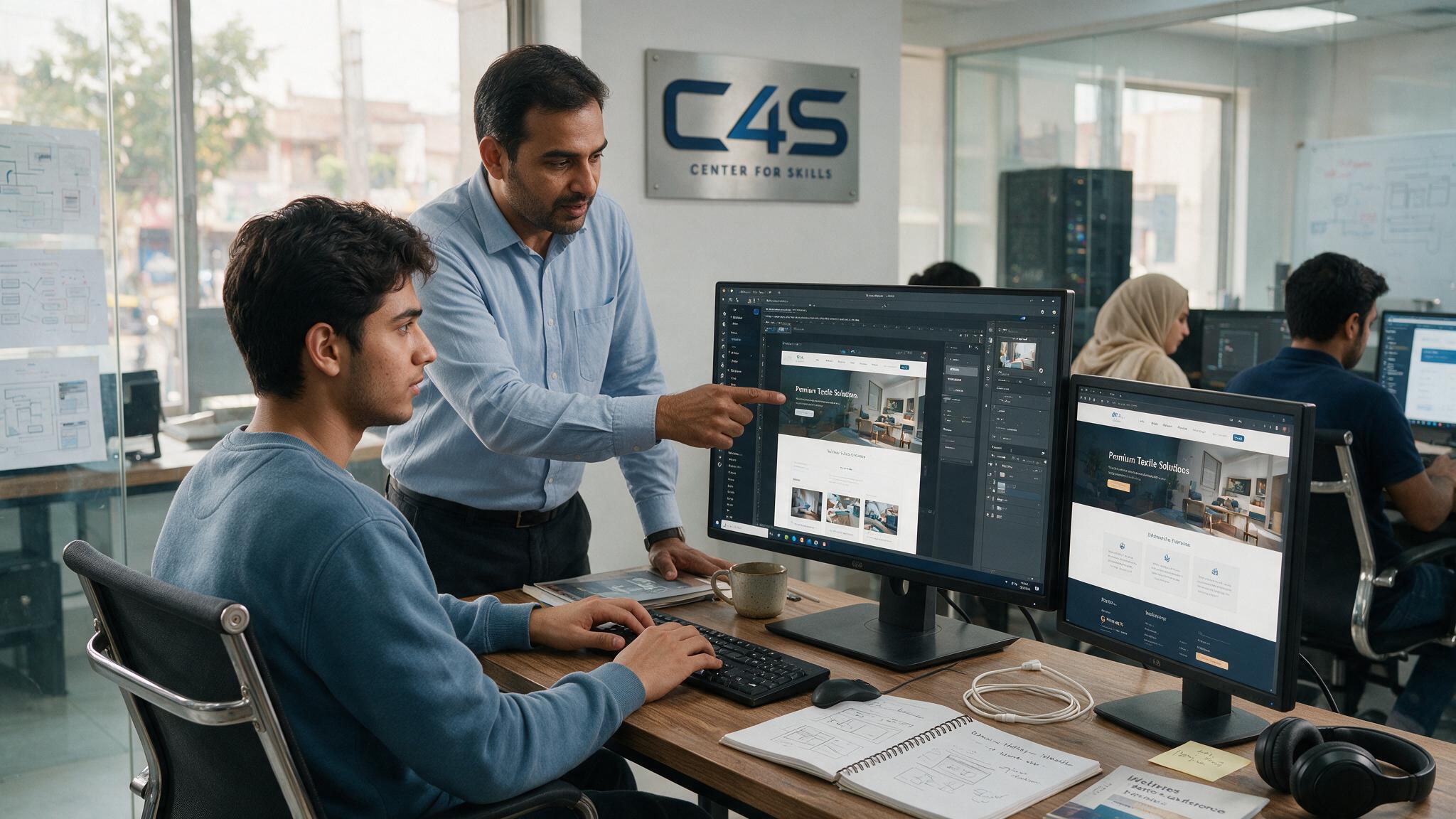
WordPress skills are covered as part of C4S’s broader web development course, which builds a fuller understanding of how websites actually work, not just how to click through a page builder. You can browse the full training list to see what fits your goals, and reach out directly if you have specific questions about WordPress-focused learning options.
Frequently Asked Questions
Do I need to know coding to learn WordPress?
No, you can build a fully functional WordPress website using themes and plugins alone. Basic HTML, CSS, and PHP knowledge helps with custom tweaks later, but isn’t required to start.
How long does it take to build a WordPress website?
A basic site with core pages can realistically be built within a few days to a couple of weeks, depending on design complexity and how much content needs to be added.
Is WordPress good for eCommerce websites?
Yes, WordPress combined with WooCommerce is one of the most common and reliable ways to build an online store, especially for small to mid-sized businesses.
Which is better, Elementor or the default WordPress editor?
Elementor offers more visual flexibility for custom layouts, while Gutenberg, the default editor, works well for simpler, content-focused sites. Most beginners find Elementor easier to start with.
Can I freelance using WordPress skills in Pakistan?
Yes, WordPress freelancing is a realistic path, since local businesses consistently need websites built or maintained, and WordPress remains the most common platform used for this work.
Is WordPress still relevant in 2026?
Yes, WordPress remains the most widely used website platform globally, and its plugin ecosystem, community support, and flexibility keep it relevant for both beginners and advanced developers.
Where can I find a good WordPress course in Faisalabad?
A good WordPress course in Faisalabad should take you through the full process, hosting, themes, Elementor, and SEO, so you finish with a real, published website, not just theory.
Final Thoughts
A good WordPress course in Faisalabad takes you from zero to a real, published website, covering hosting, design, SEO, and eCommerce basics along the way, not just isolated theory. Following the steps in order- hosting and installation, theme selection, page design, SEO setup, security, and tracking- gives you a genuinely solid foundation to build on, one that holds up as you take on real client or business projects later. If you’re ready to start learning WordPress properly, reach out to Center 4 Skills (C4S) and take the first step toward building your first website.